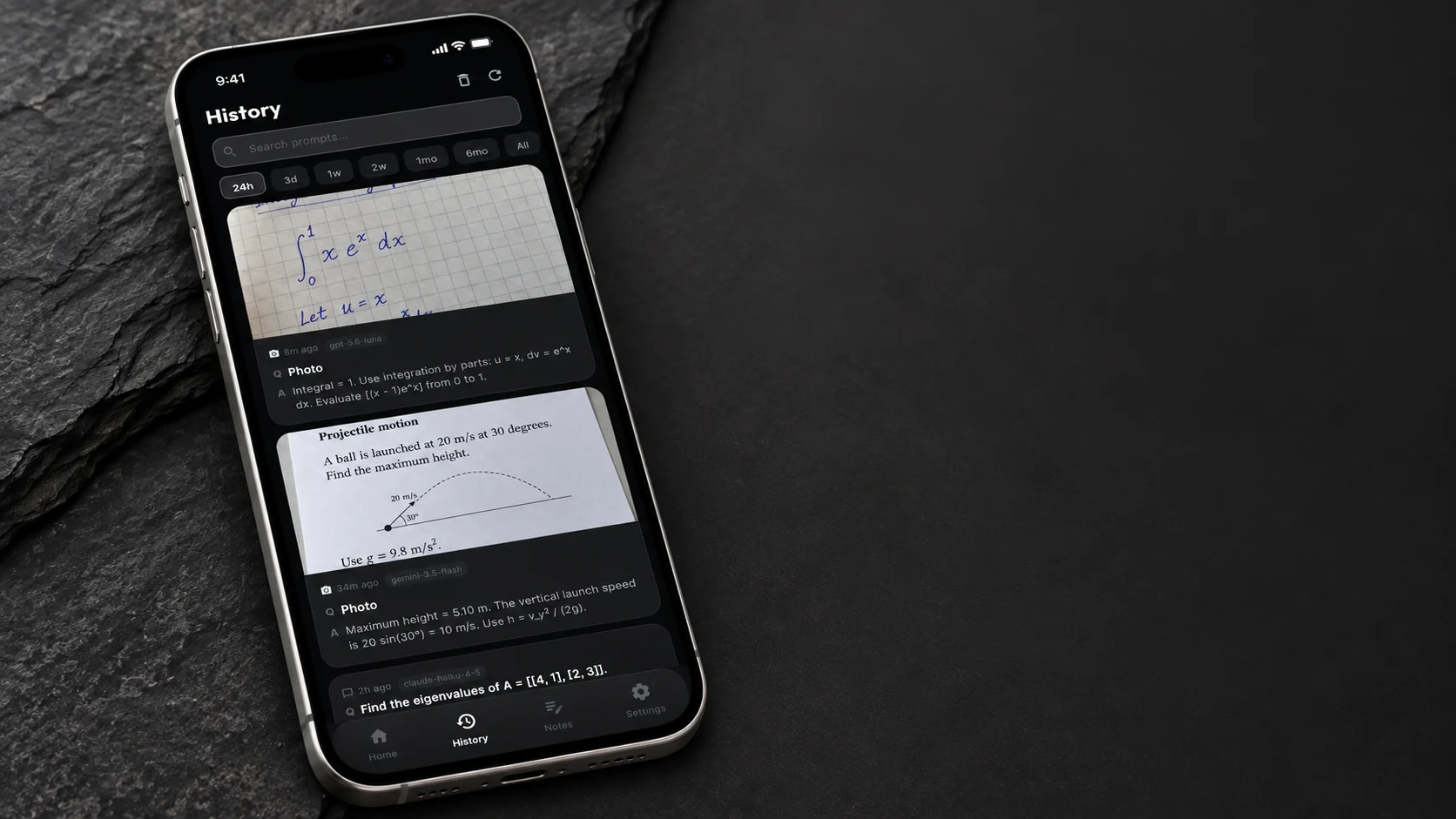
History.
Search past questions by keyword or date, with their photos and answers.

01Camera
Include the diagram, question, and supporting work in one request.
For everyday questions.
02On your calculator
Read matrices, integrals, and tables across multiple pages.
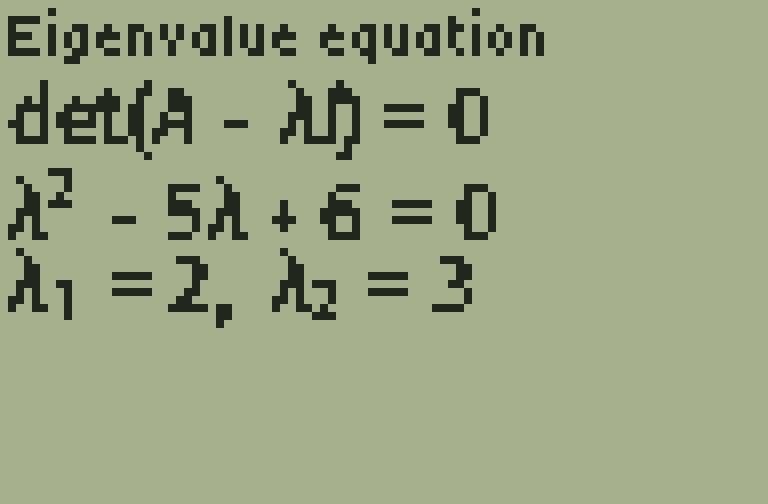
03On your phone
 ChatGPT
 Claude
 Gemini
Search past questions by keyword or date, with their photos and answers.
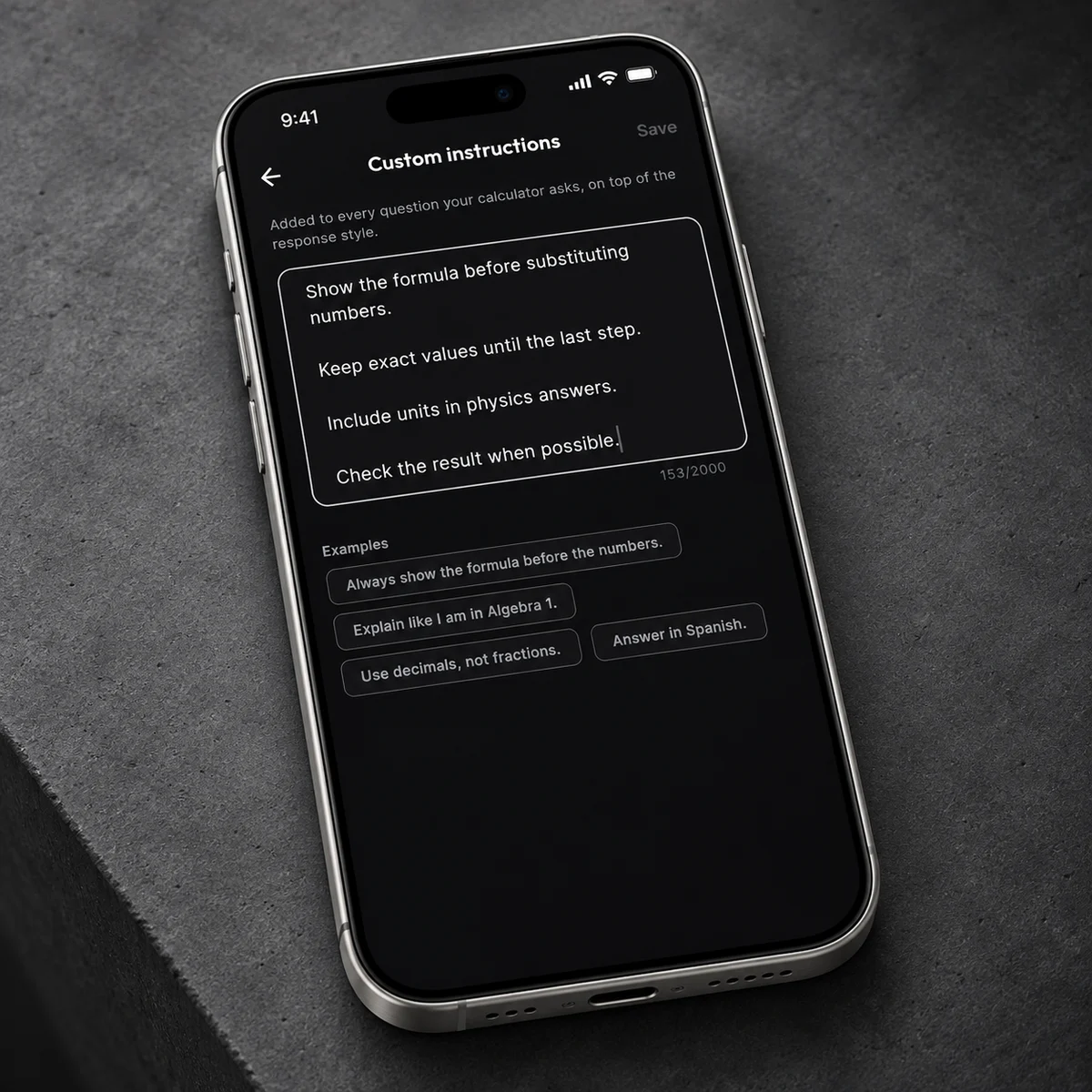
Set preferences for units, notation, and explanations.
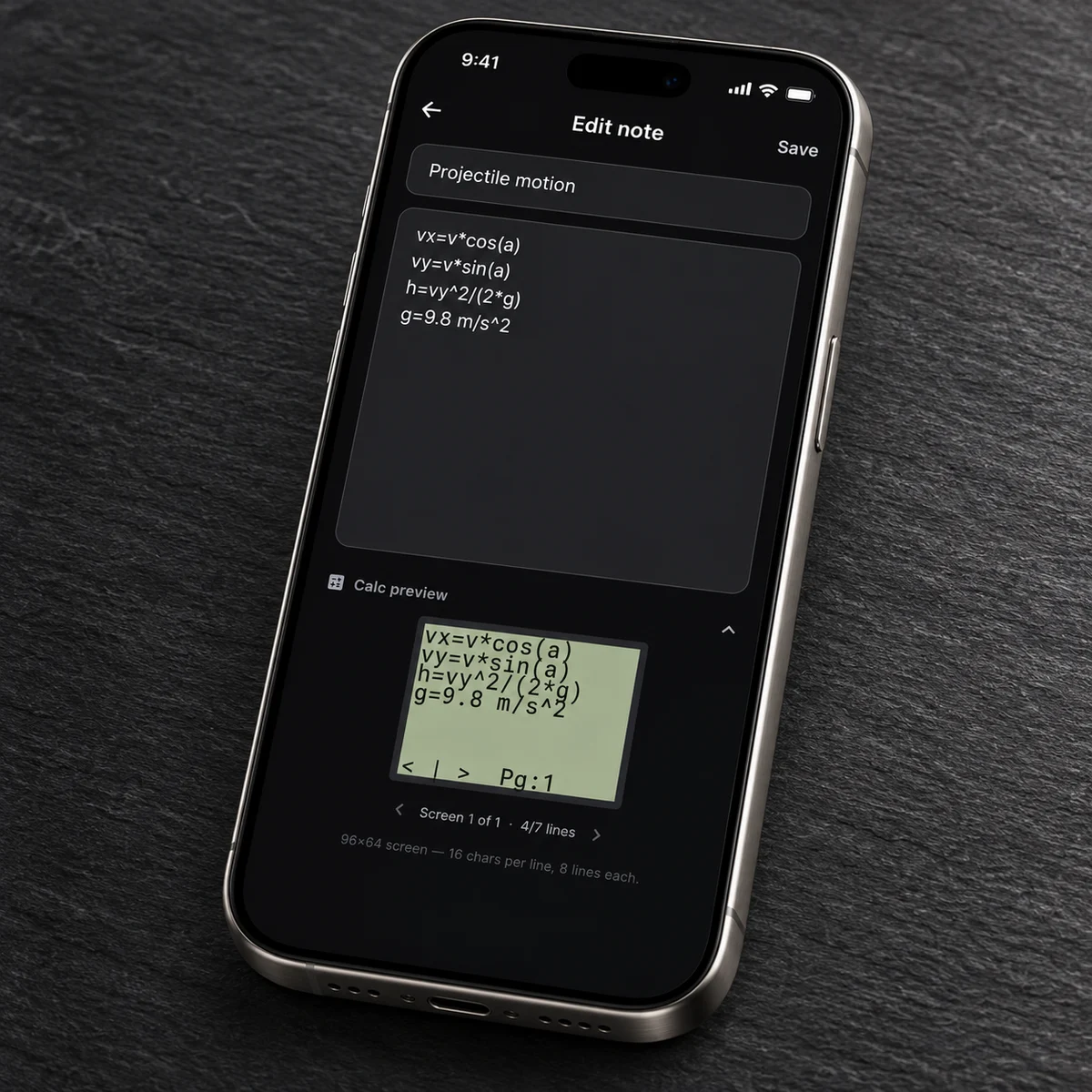
Edit on your phone, preview the calculator layout, and sync over Wi-Fi.
Answer only, brief explanation,
or step-by-step work.
Minimal, balanced,
or take your time.
Use your own provider credentials.
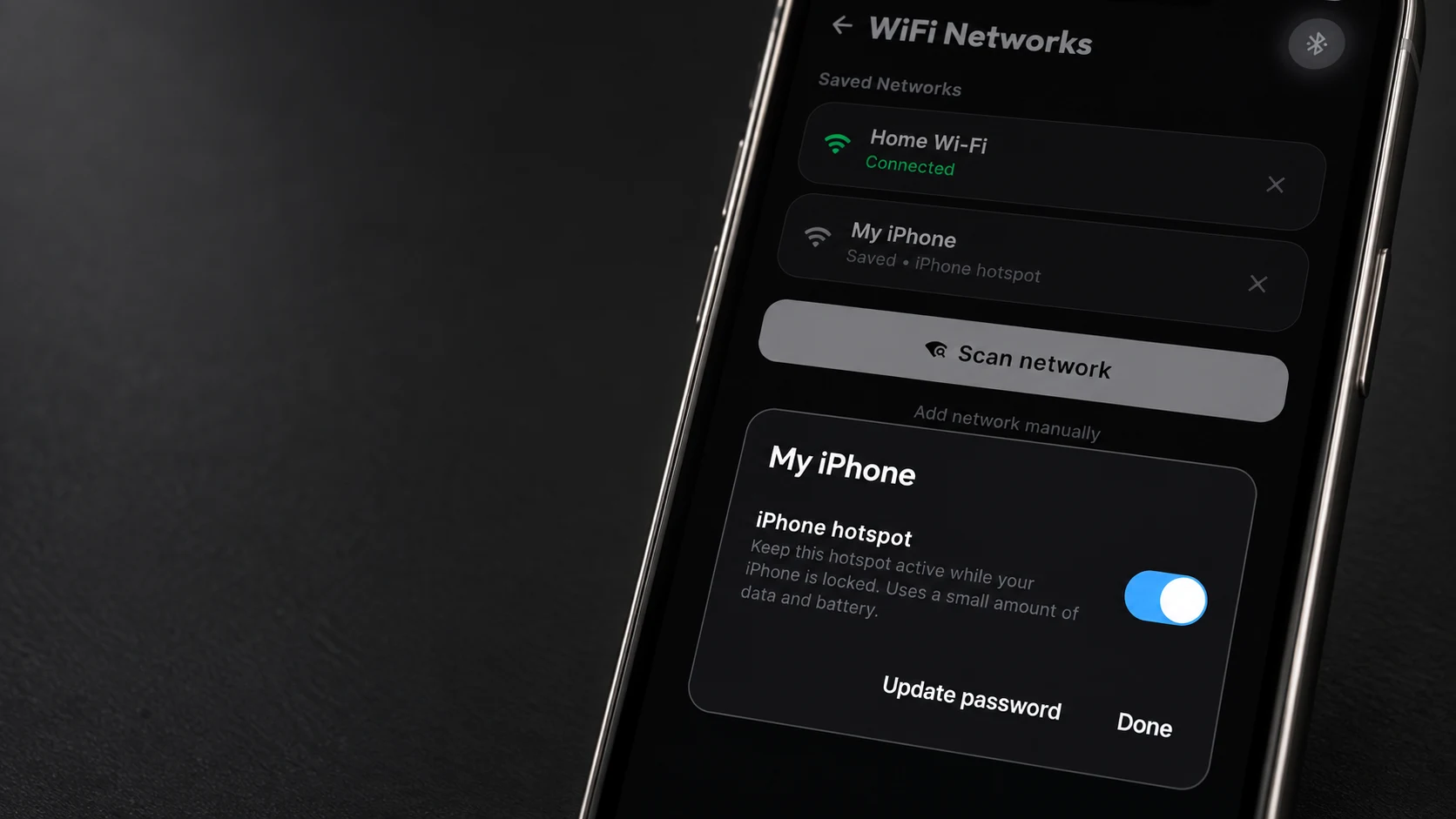
Save networks over Bluetooth. Enable hotspot keep-alive to help maintain a connection while your iPhone is locked.
Turn on your iPhone’s Personal Hotspot first.*CalcAI’s estimate; timing varies by model, connection, and question. AI requires internet. Features vary by app and firmware version. Product scenes use app captures with example data.